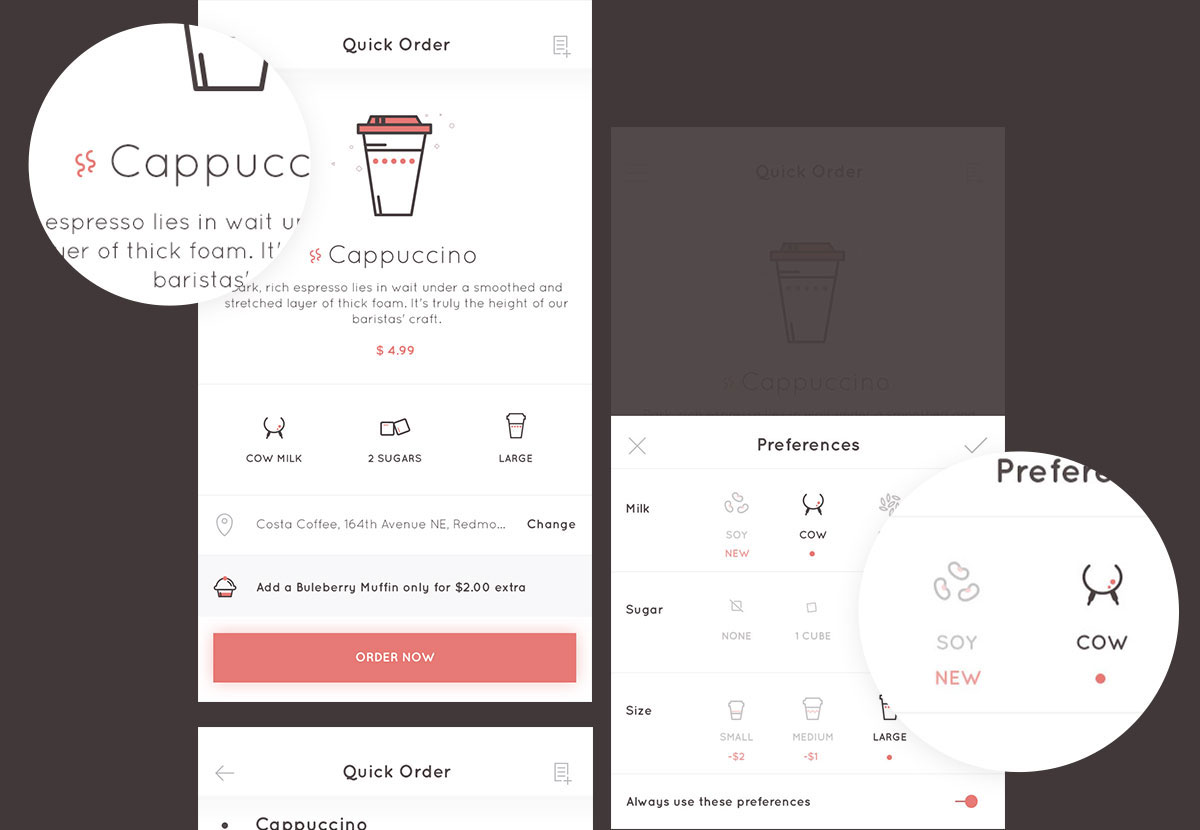
During a trip to the United States, morning coffee became an indispensable part of my daily routine. Visiting the local cafe each morning, I noticed how central that first cup was to people's focus—and how much friction a long queue caused. As a focused design challenge, I set out to streamline the morning coffee ordering experience down to its essentials.
How might we enable people to do more each morning by eliminating friction from their daily coffee routine?
The Morning Rush Scenario
Consider Julie's typical morning: she was awake half the night prepping for a high-stakes 9:00 AM client pitch. When morning arrives, she drops off her newborn at daycare and heads toward Costa Coffee for her essential cup.
Mid-commute, her husband calls in panic—his car keys are trapped in her purse. Julie detours back home, tosses the keys onto the driveway, and speeds to the coffee shop only to face a line of six people ahead of her. Pressed for time, she gives up and rushes straight to work without coffee.
Without that vital morning boost, her presentation lacks its usual drive and energy. Julie's morning illustrates the core problem: when a morning routine derails, the entire workday suffers.
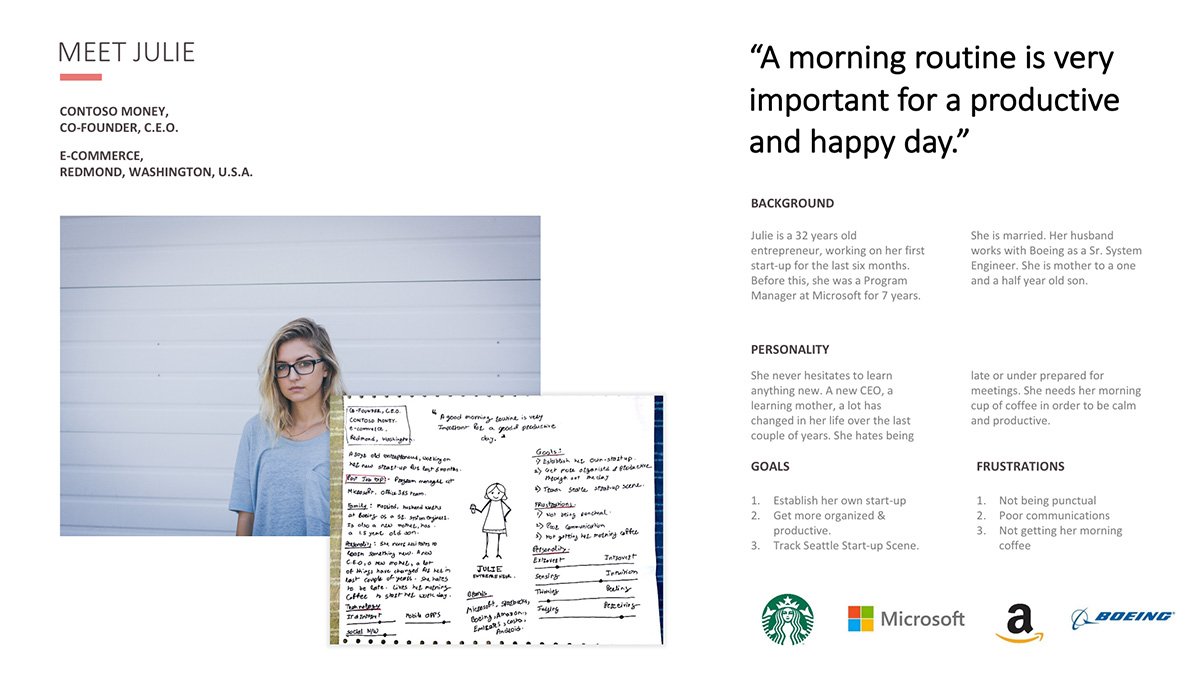
Meet Julie
Julie is a 32-year-old entrepreneur launching her first technology startup. Before founding her venture, she spent seven years as a Program Manager at Microsoft. She is married to a senior systems engineer at Boeing and is mother to a 1.5-year-old son. Her schedule demands maximum efficiency and zero patience for repetitive multi-step checkout forms.
Empathy Mapping & Storyboarding
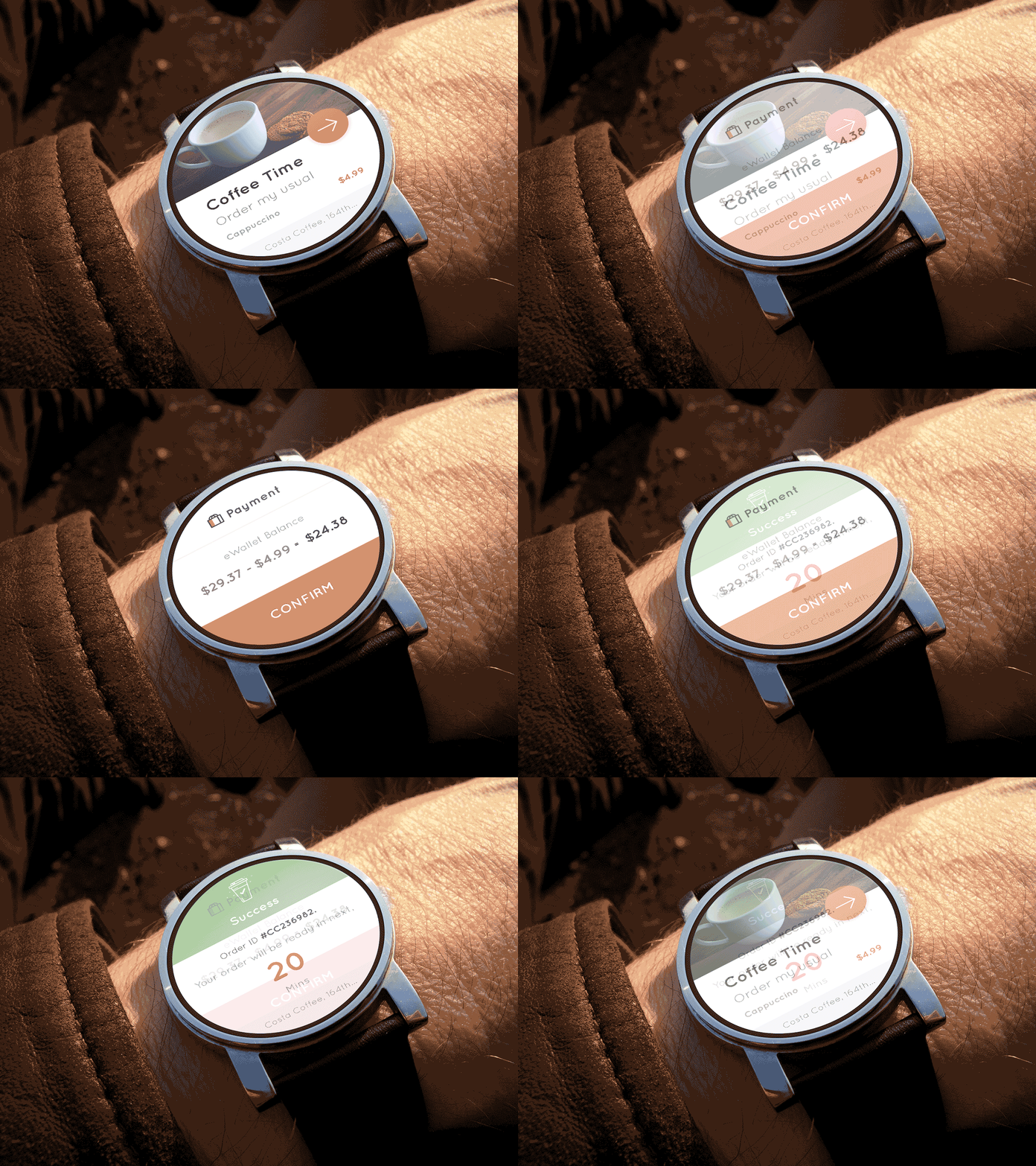
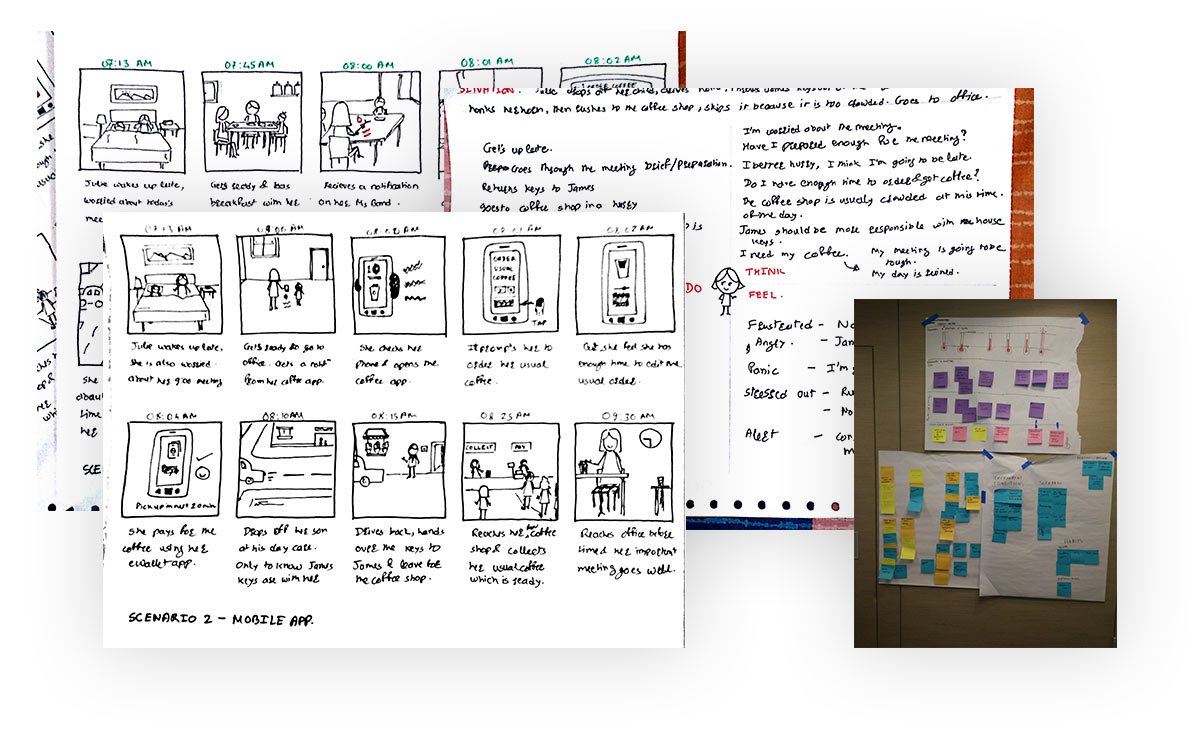
Using Julie's persona, I created an empathy map to capture thoughts, emotions, and pain points throughout her morning journey. From there, I storyboarded two distinct touchpoints: a minimal-tap mobile ordering experience and a glanceable wearable interface for real-time alerts on the go.
User Flows & Wireframes
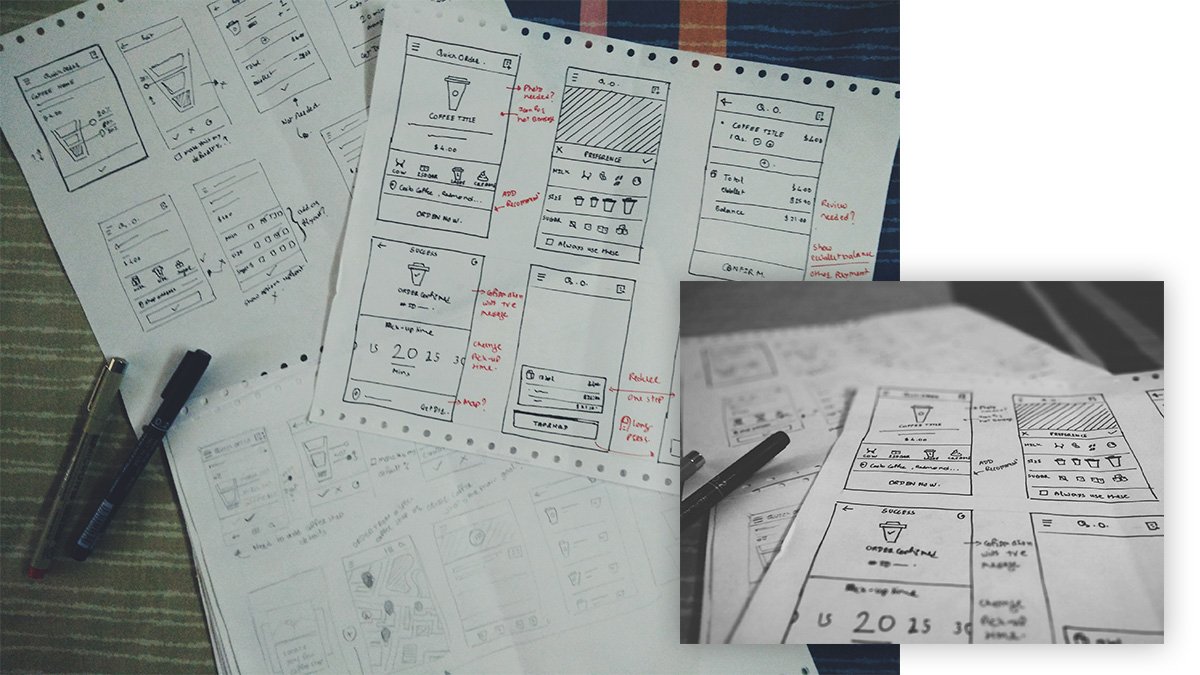
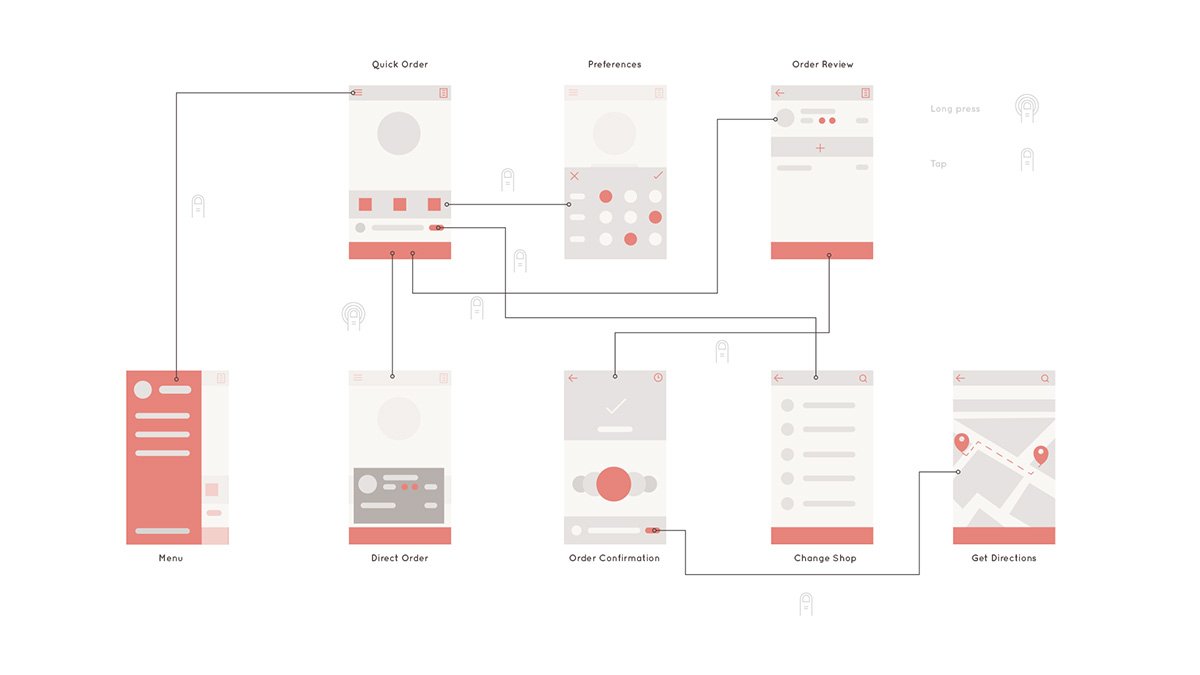
Rather than building an exhaustive coffee catalogue, the design zeroed in exclusively on the repeat ordering scenario. I explored how to collapse traditional browsing, customizing, cart review, and checkout steps into a single glanceable surface.
Visual Design & Brand Palette
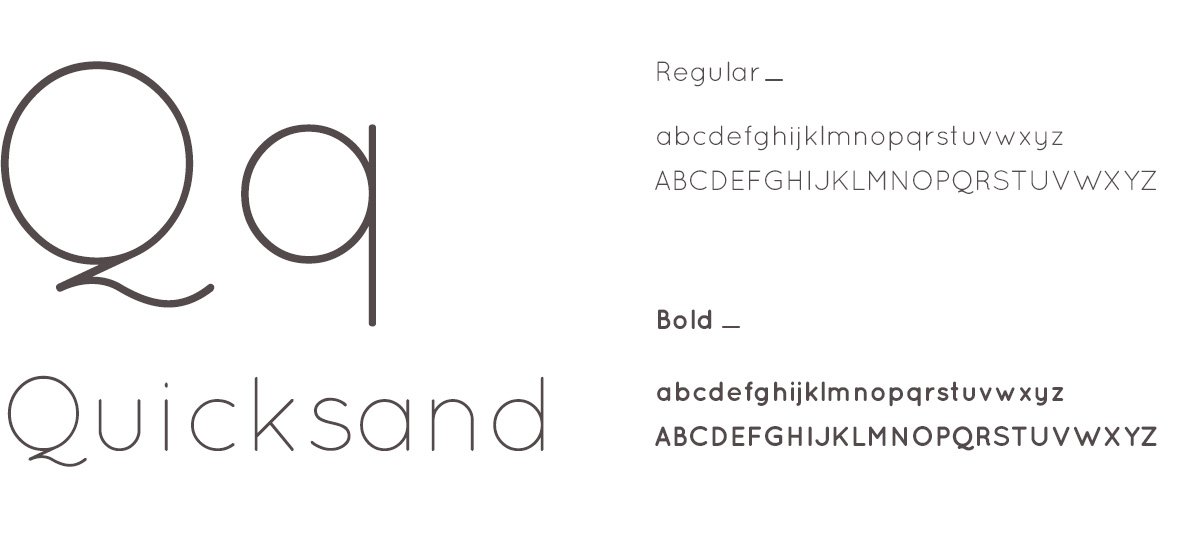
Costa Coffee was chosen as the brand partner, drawing inspiration from their warm maroon, terracotta, and soft neutral palette. The system was architected with white-label flexibility so other coffee brands could easily adapt it to their own color themes.
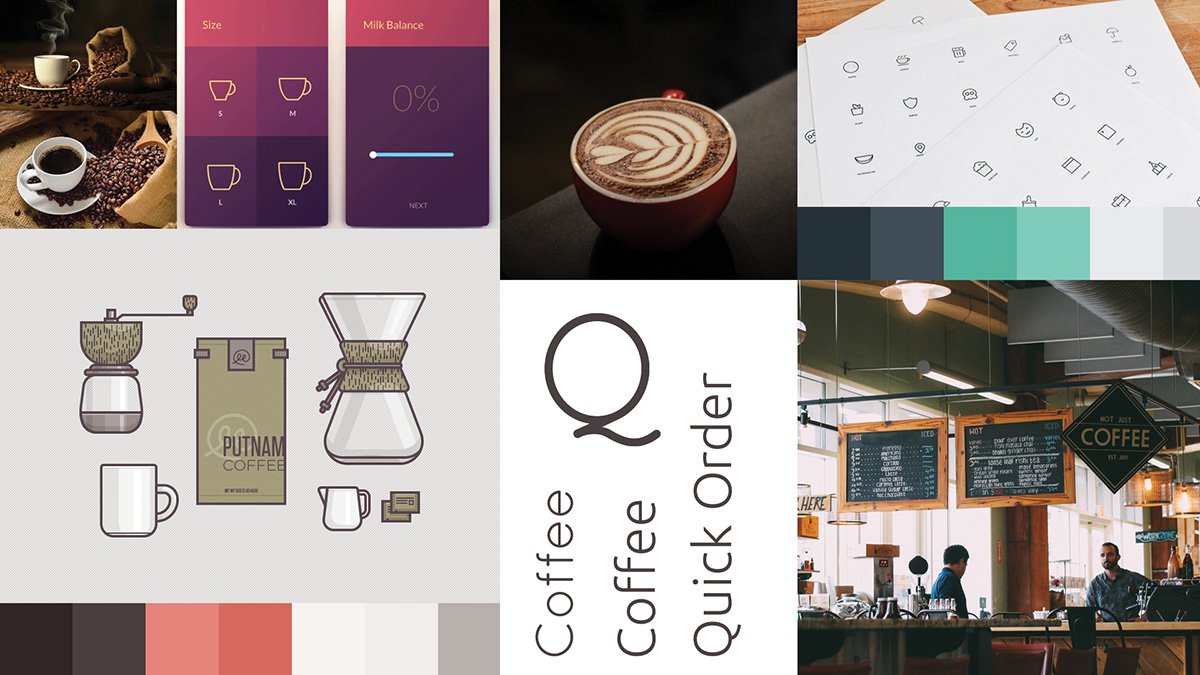
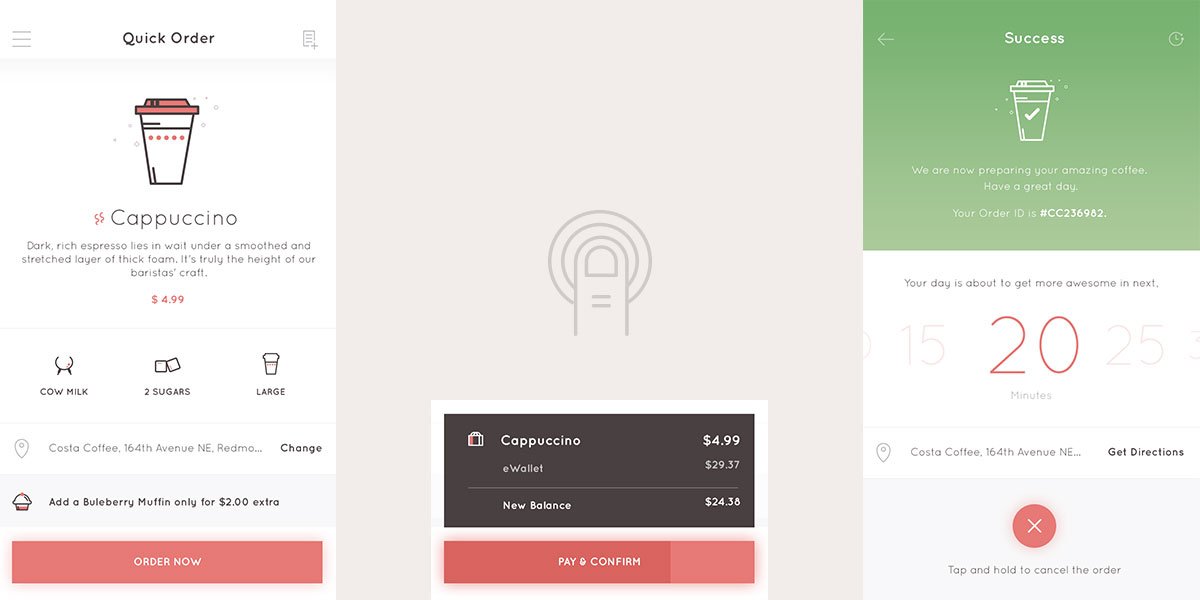
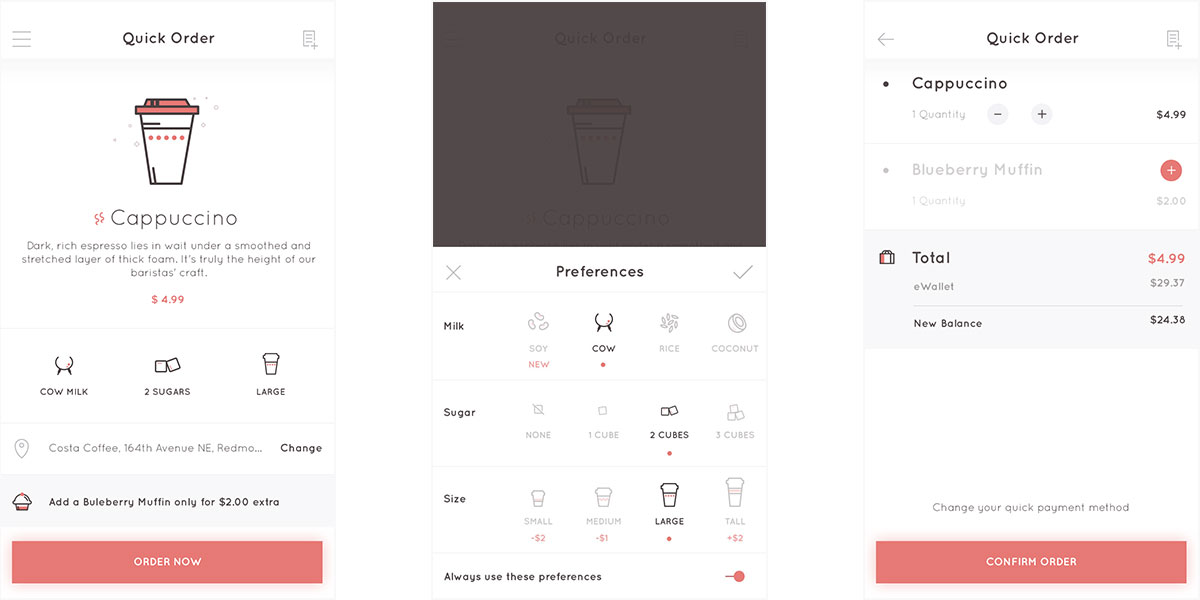
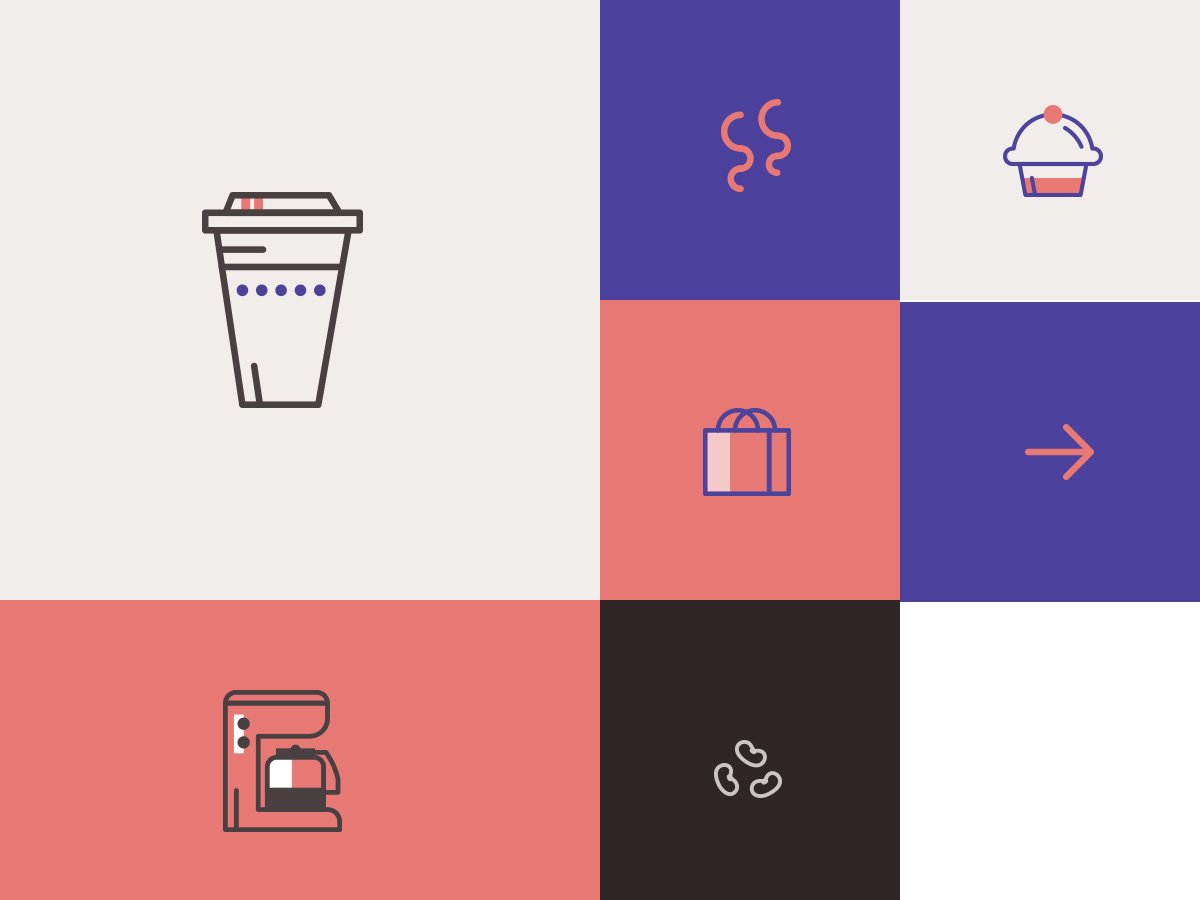
Icons had to be instantly recognizable and memorable for routine daily interactions. Clear visual metaphors for milk types (cow, soy, rice, coconut), sugar quantities, and cup sizes ensure quick, effortless scanning.
Interactive Prototype
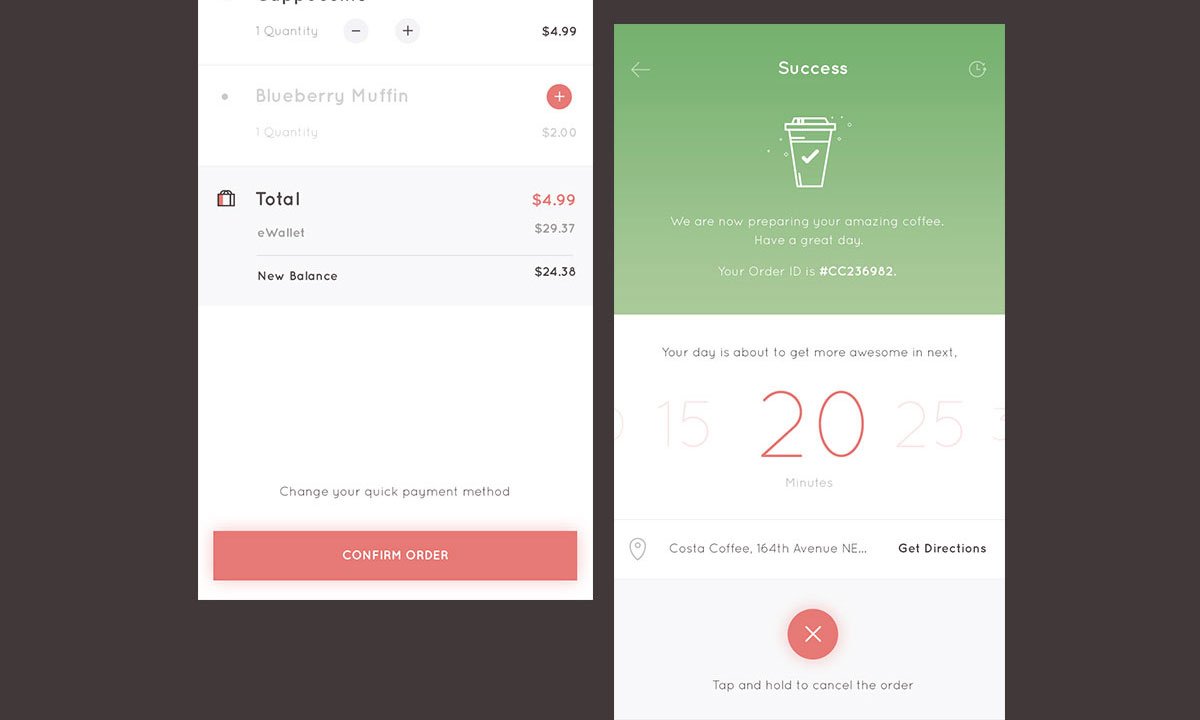
To validate the flow, I created an interactive prototype walking through custom preference editing and fast confirmation.
Application Screens
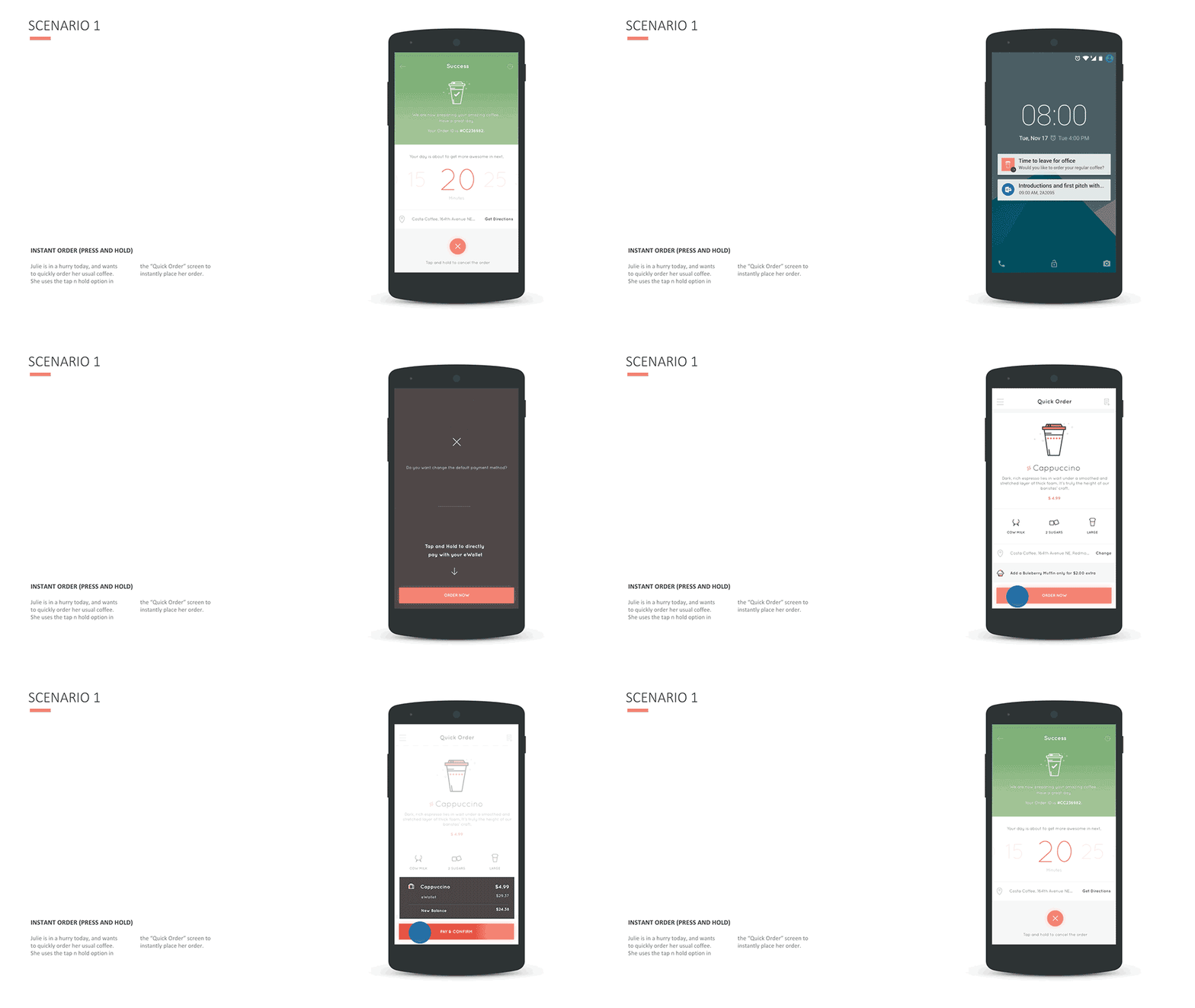
The screens below walk through the core flows: instantaneous reordering with a long-press gesture, preference customization, glanceable wearable notifications, and detailed checkout states.