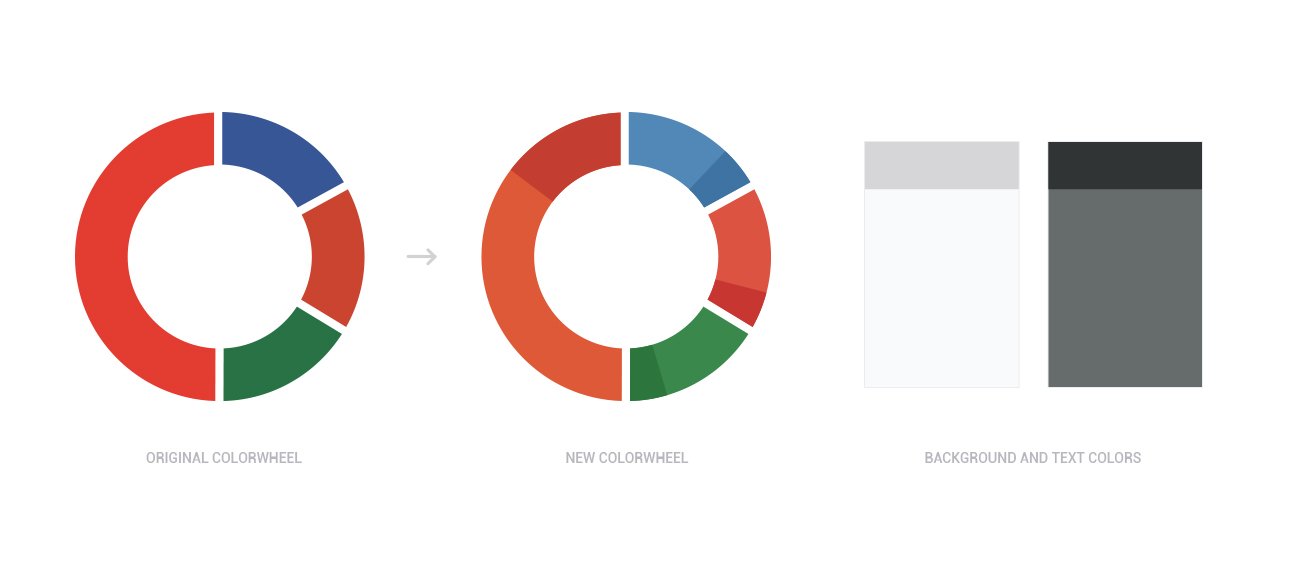
When Microsoft launched Office for Android around the same time Google introduced Material Design, it created an exciting design opportunity. I set out to combine the best of both worlds: redesigning Office for mobile with Material Design principles for a natural, native Android experience. The main challenge was ensuring a seamless, cohesive experience across multiple point applications—PowerPoint, Word, and Excel—while preserving the familiarity and power of the desktop suite.
How might we reimagine Microsoft Office on Android using Material Design without losing the power of the desktop suite?
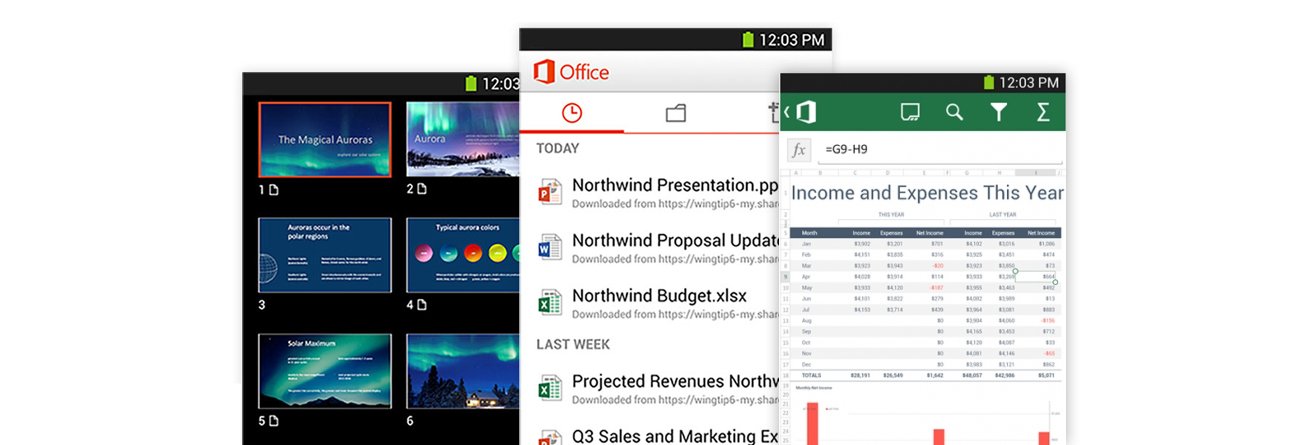
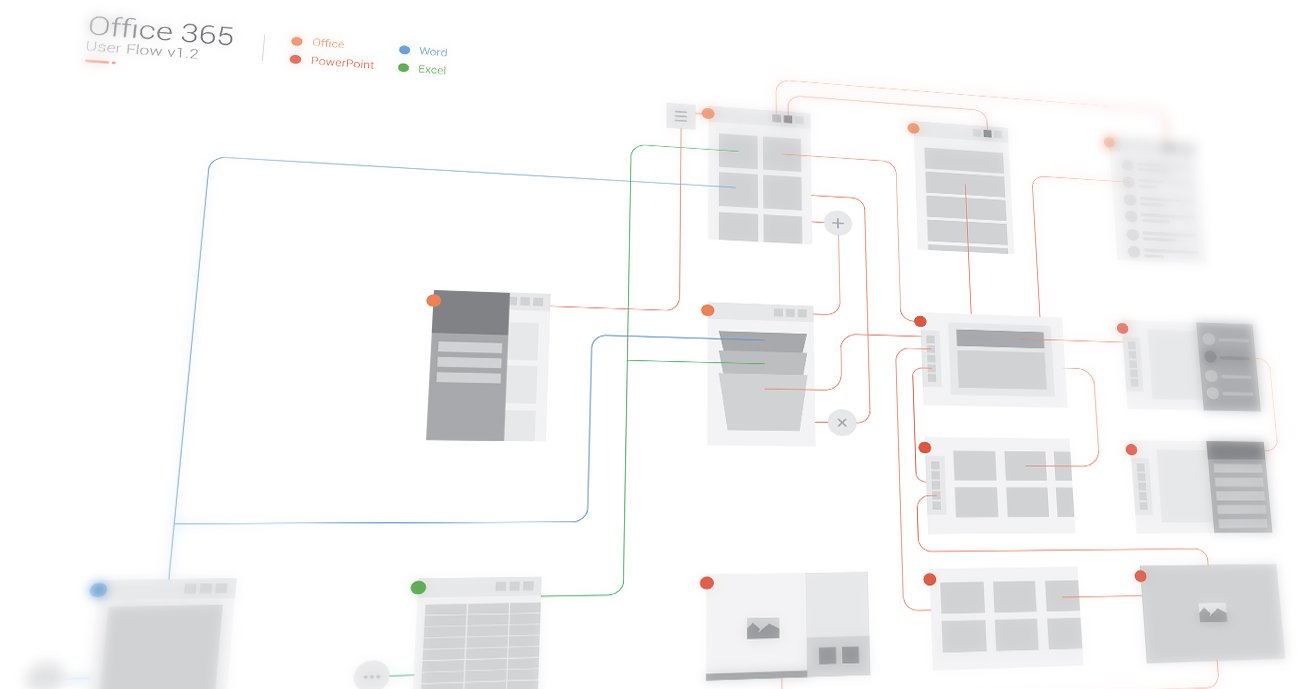
I began by studying the existing Android application to uncover friction points and functional gaps. Being an active Android user myself, several usability bottlenecks were immediately evident. I also benchmarked competitor apps like Polaris Office and Google Slides before rethinking the complete experience for the central Office hub and a key point application: PowerPoint.
Analysis of Analysis
Auditing competitor applications alongside Office across mobile and desktop highlighted key usability pain points. Basic formatting options were missing in the Android version, the multi-tab navigation for file locations confused users, and core presentation capabilities like slide transitions were absent from the Android app for PowerPoint.
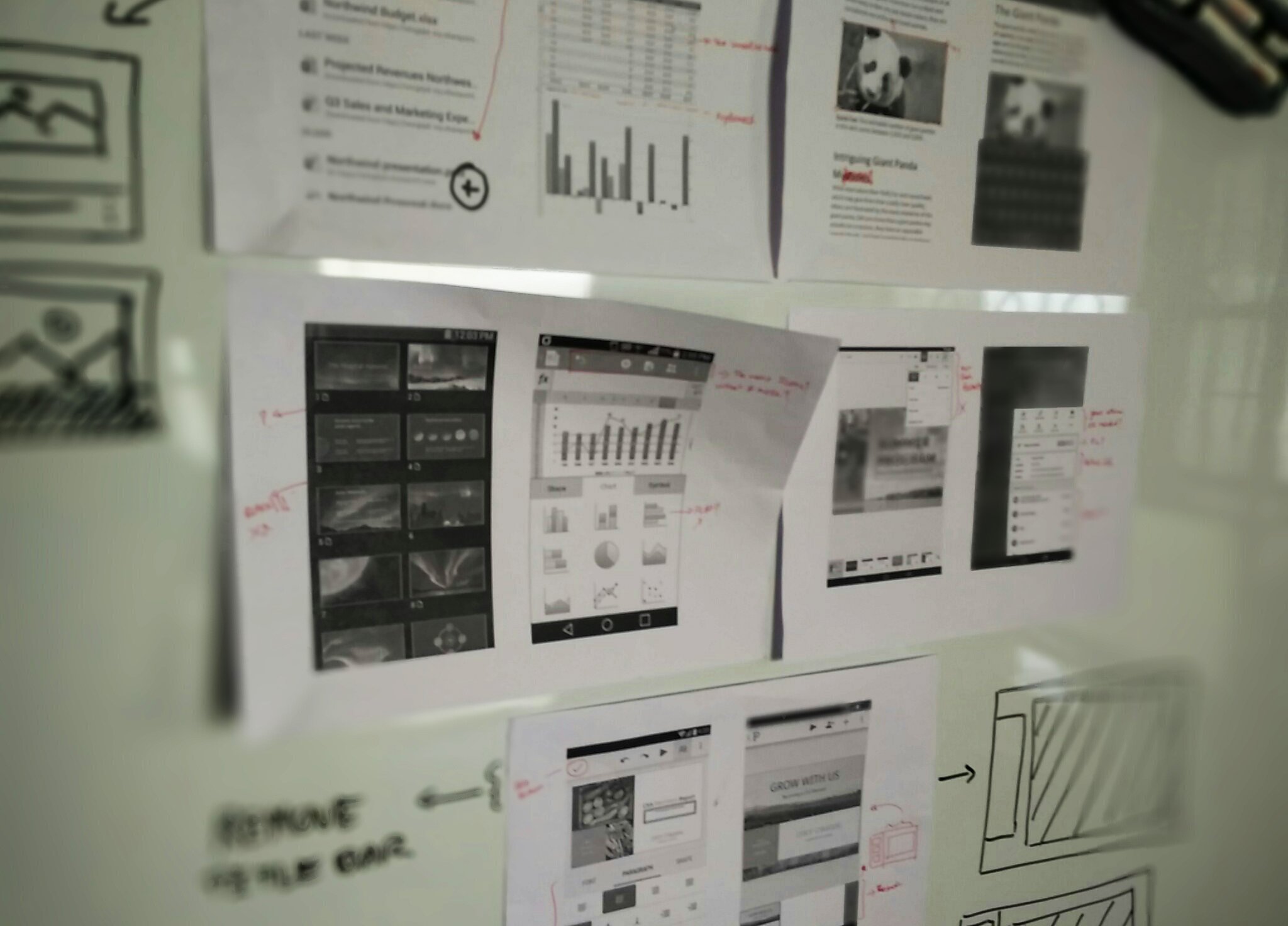
Think, Sketch, Optimize, Repeat
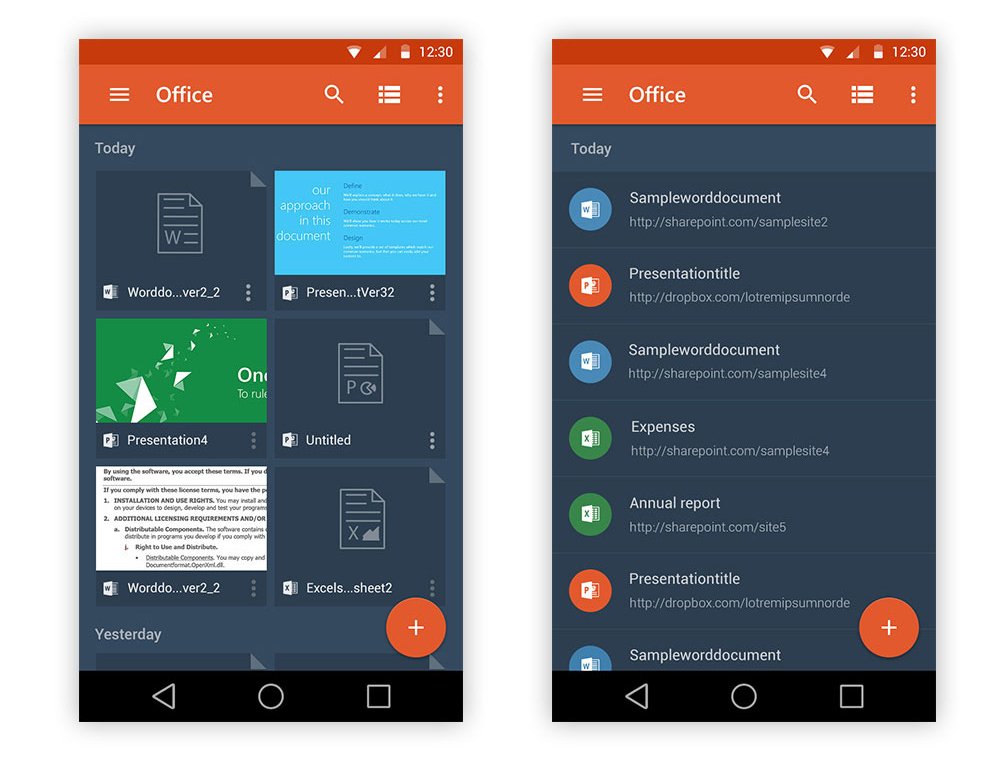
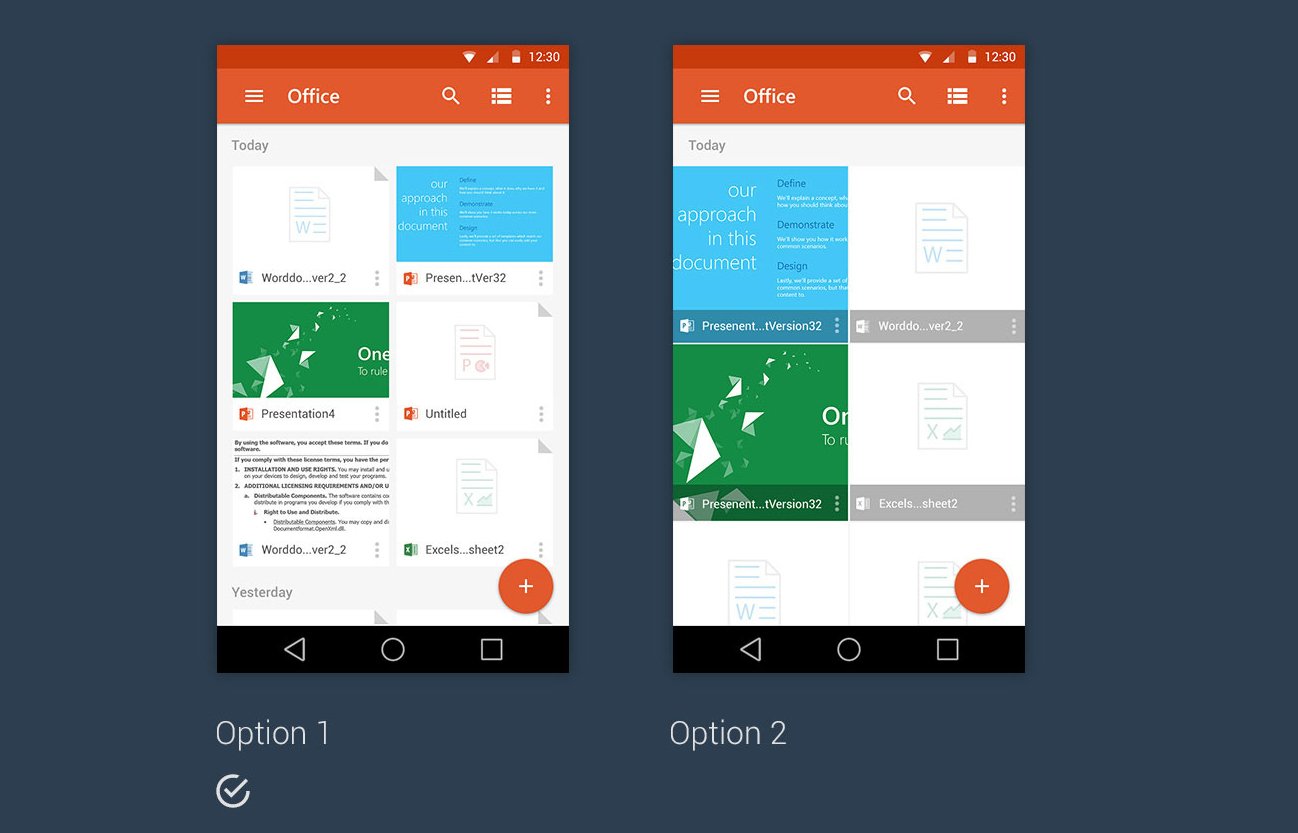
I conducted user interviews to identify the real-world scenarios where people open Office or PowerPoint on mobile devices. Rather than replicating the full desktop software, the redesign focuses strictly on primary mobile needs: quick document reviews, light edits, and on-the-go presentations. A key finding was that users wanted visual document previews and thumbnails rather than plain text lists.
New to Office?
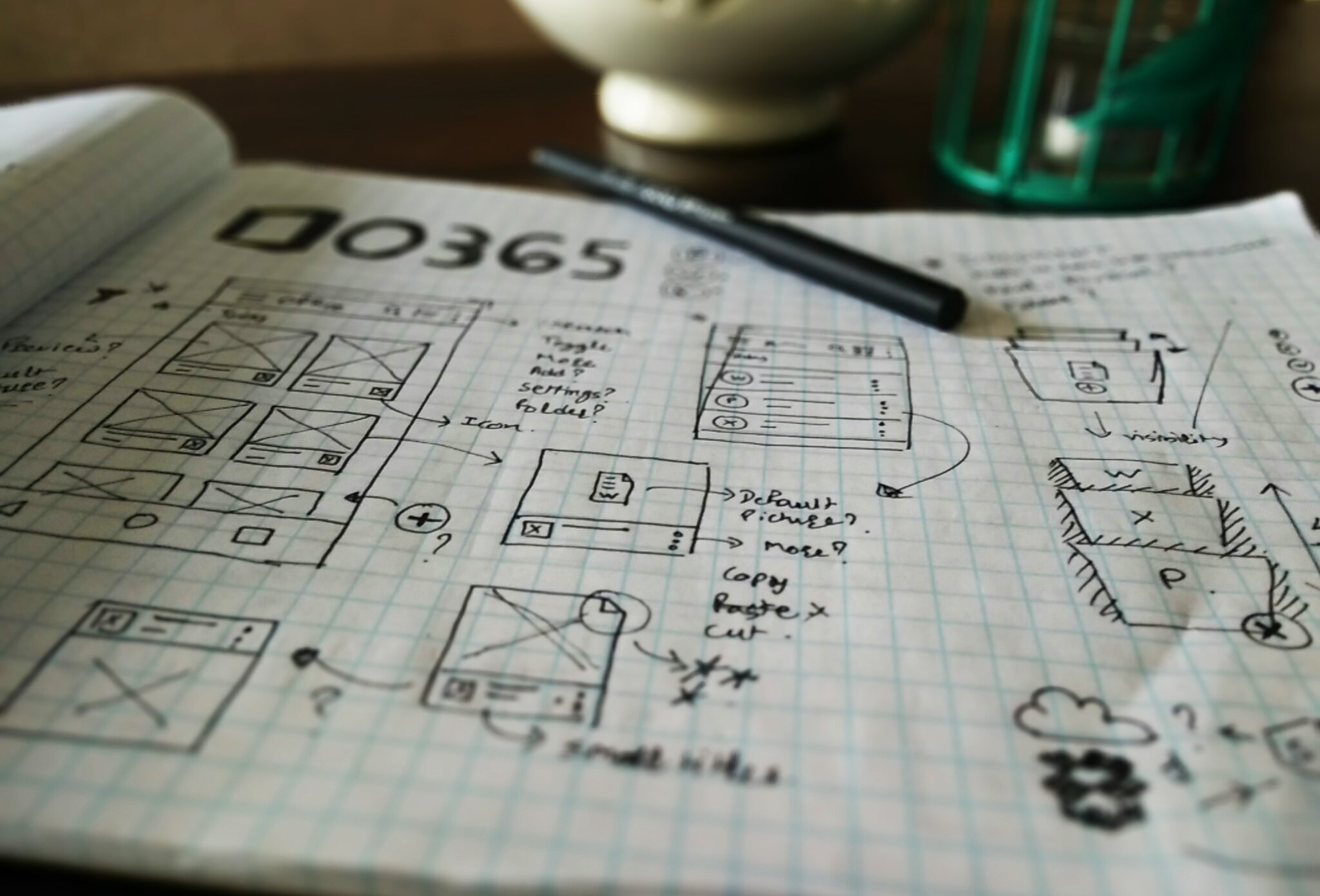
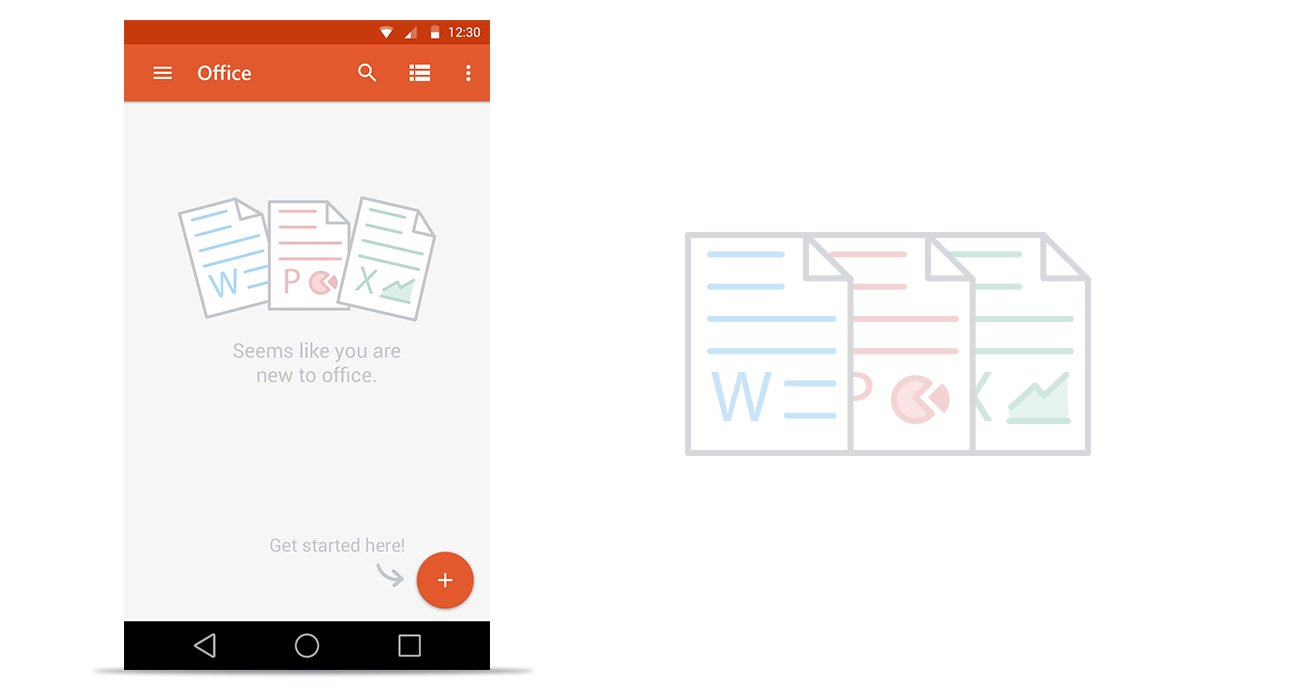
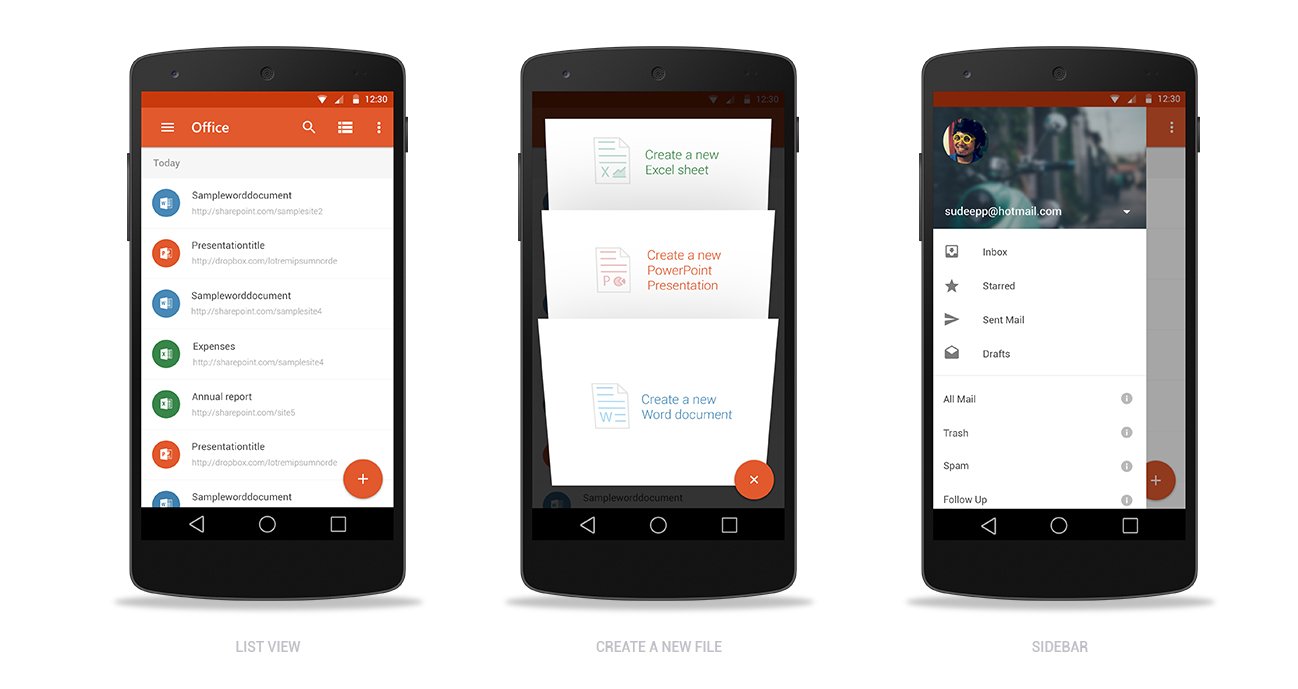
For first-time users, I designed a zero-data onboarding state that provides an immediate walkthrough and guides the user toward creating their first file with the Floating Action Button (FAB). For returning users, I explored how best to present documents in a glanceable grid.
Realistic File Stack & Cloud Sharing
Office is all about documents. After several sketching iterations, I felt the best way to convey this was to design the new document screen to look like a realistic stack of physical files, adhering to Material elevation principles. To reflect the partnership between Microsoft and Dropbox, the sidebar aggregates cloud storage from OneDrive, Dropbox, and SharePoint into one unified access point.
PowerPoint Deep Dive
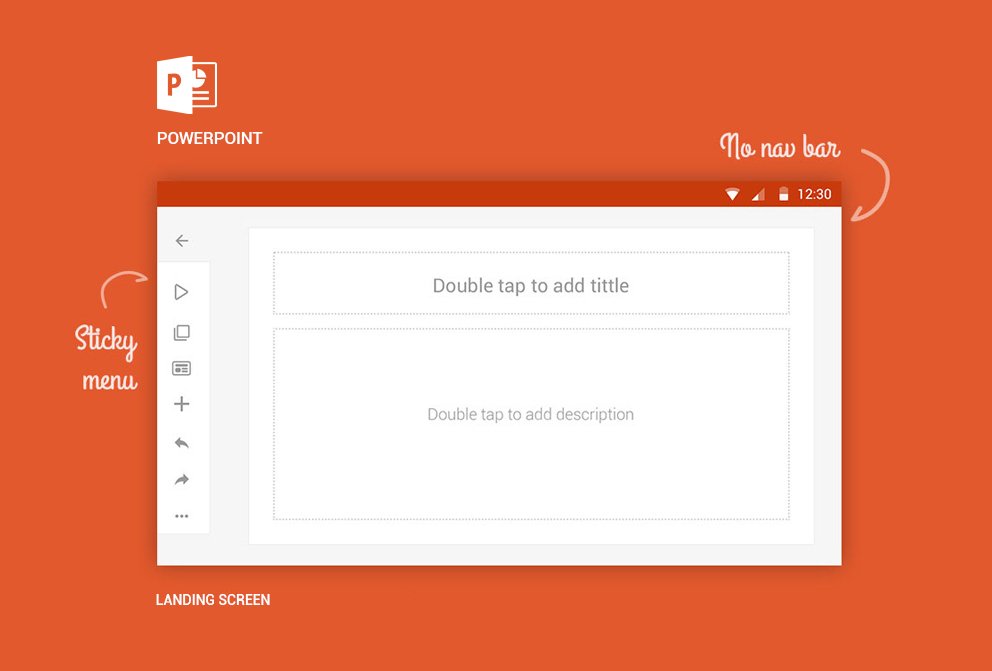
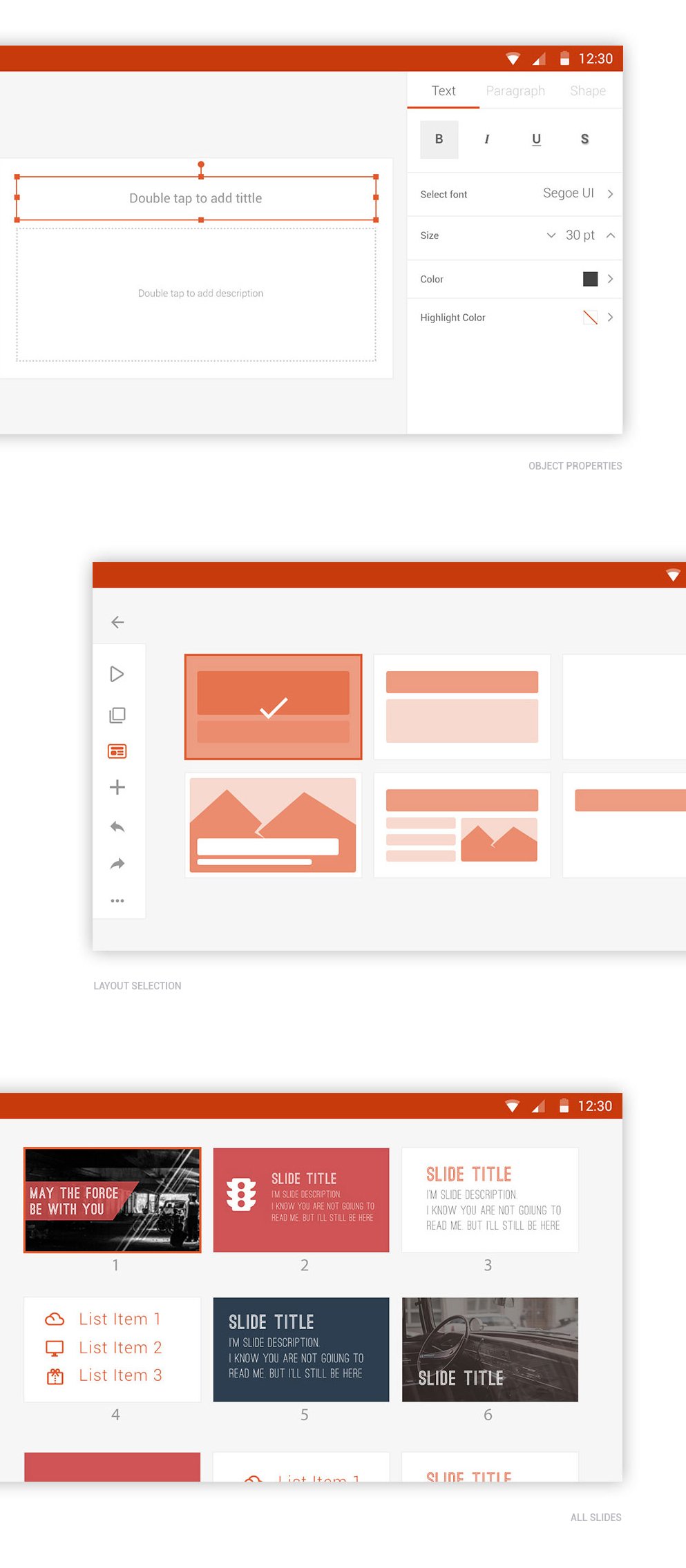
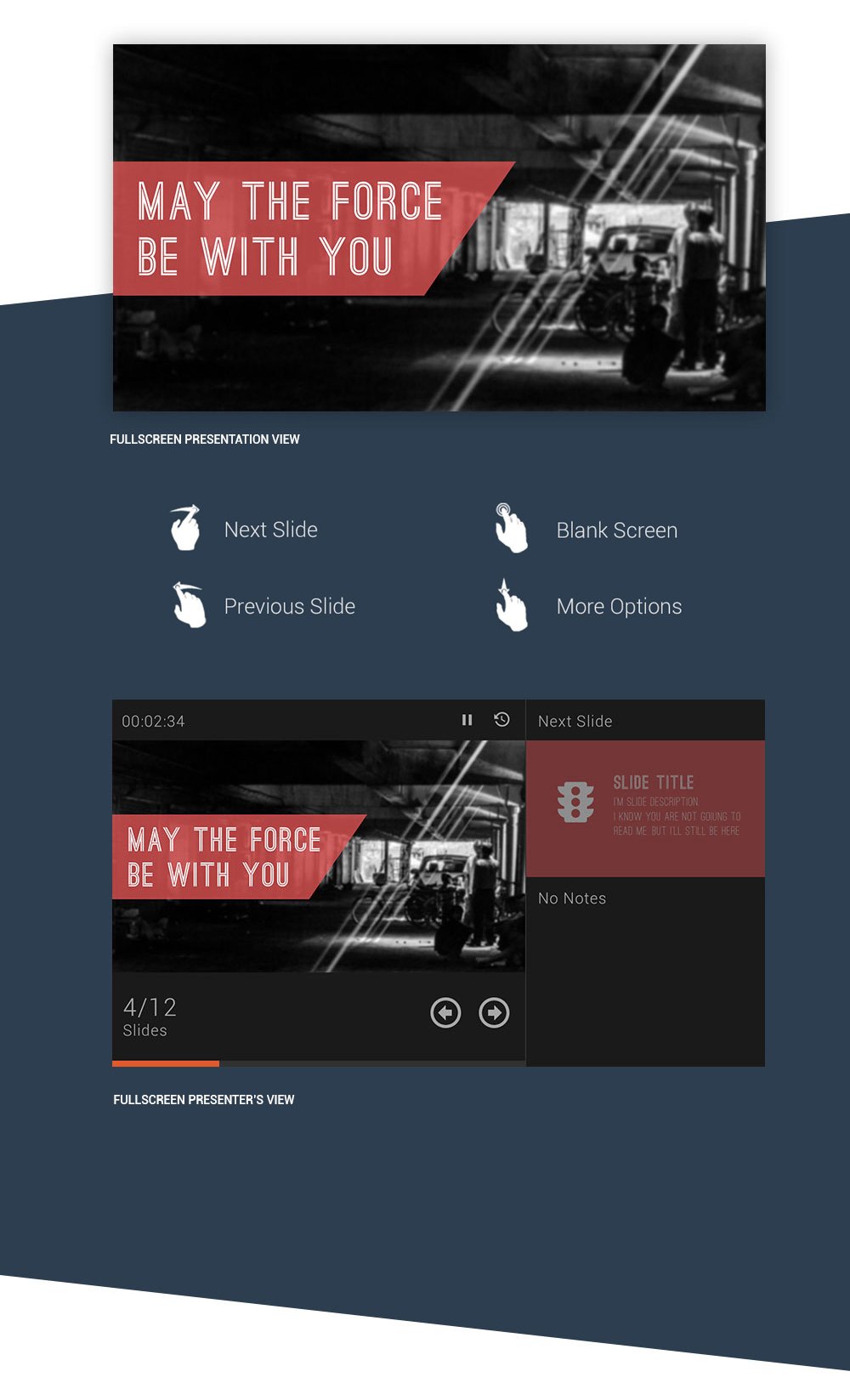
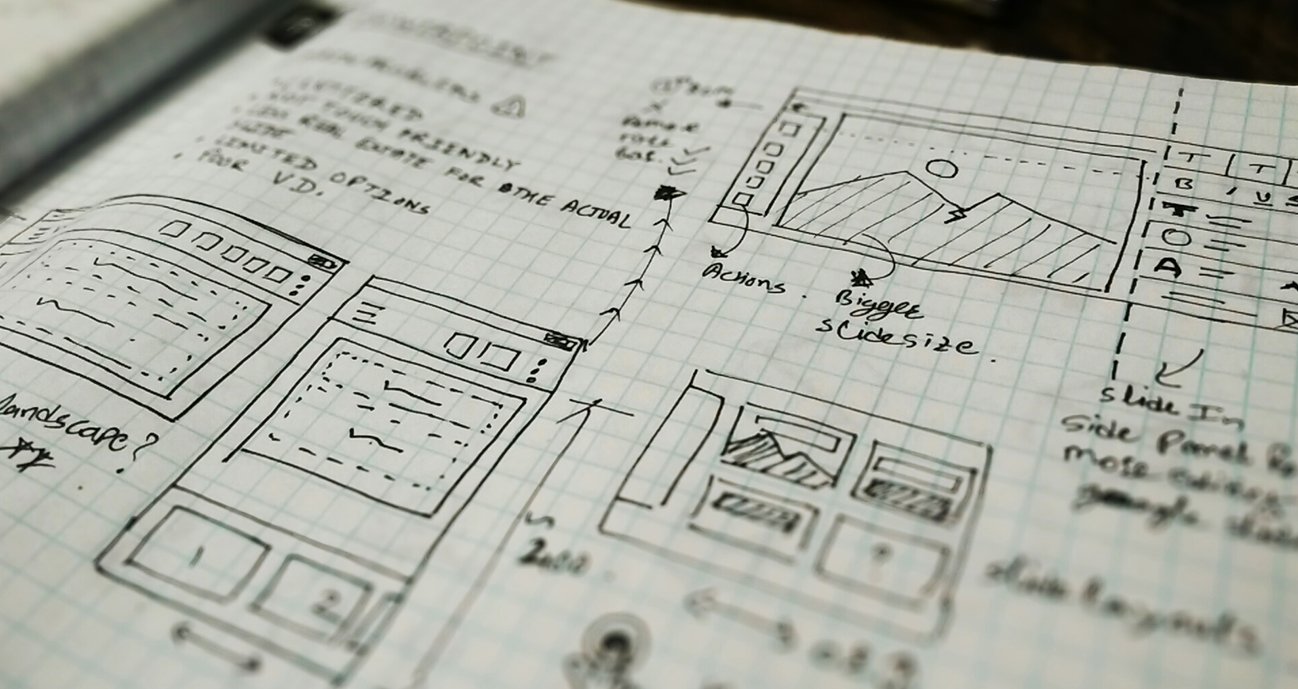
Here, I focused on one point application—PowerPoint. It had complex user scenarios that I addressed using simple mobile interactions, establishing patterns that other point applications could follow. The editing interface is optimized for landscape orientation with a sticky left toolbar and hidden system bars for a clean canvas, supported by dedicated touch controls for live presentations.